There are some links: Auction Details, Browse E-Catalogue, Purchase Catalogue, and Directions. Already there are two problems:
• Why are the URLs to the domain links.mkt2449.com? It makes it looking like a phishing attempt. Surely Sotheby’s content should be at www.sothebys.com?
• No link to PDF; instead we’re going to have to fight with IT’s baby and the customers’ curse, an e-catalogue.
Well, we want to know what’s for sale, so Browse E-Catalogue.
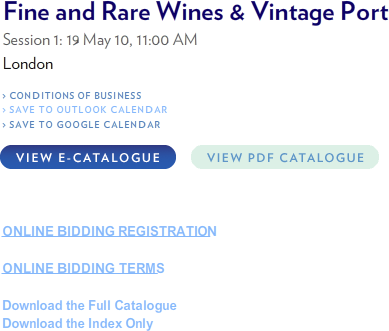
There’s a big button: ‟View PDF Catalogue”: great, thank you. I can download the PDF to my computer, peruse, search, and if I buy something at the auction, keep the catalogue. Great. Except that the button does nothing. Just like the ‟Download the Full Catalogue” button. Nothing. So, pestilence and purgatory, we’ll have to ‟View E-Catalogue”, which takes us to a Grid View.
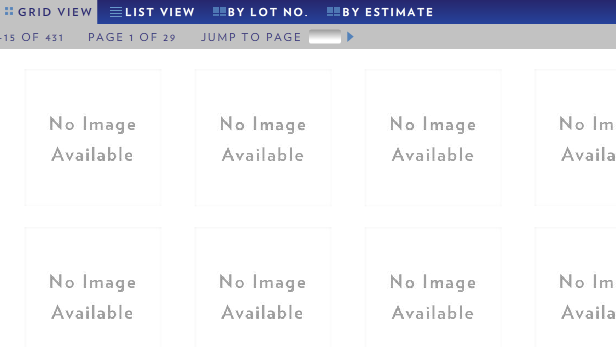
You cannot be serious. You just cannot be serious. Do you really hate your customers this much?
Deep breath. Let’s try clicking on ‟List View”. That has only twenty lots per page, but that can be changed to sixty (why not to ‟All”?). So, setting that at maximum, we get the following.
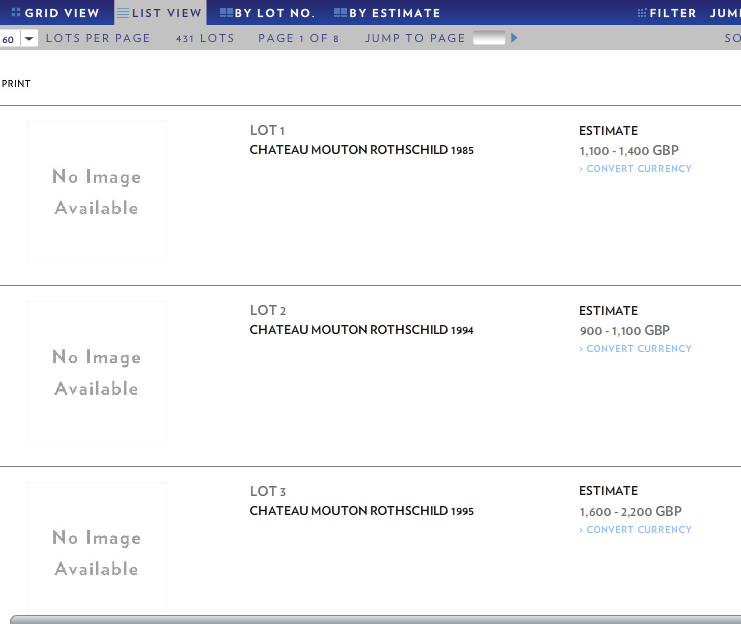
The scroll bar at the bottom is generated by Sotheby’s program, not the browser. That’s right: Sotheby’s allow me to see only three lots at once. All that white space could be showing me stuff: instead it’s just white space.
There is a filter button. If it does something, it isn’t obvious what or how (other than producing an empty pop-up).
So I’m going to have to work my way through eight pages (of sixty lots), three lots at a time.